
What’s new · 27 October 2026
A little feedback, a better understanding of what makes them smile
New in our TEST2 build: children can rate each mission, and parents can explore what each child enjoys—including a side-by-side view of different interests.
The spinner brings the surprise. Now, children get to tell you how it felt.
Our new mission rating screen gives every player a simple way to share their reaction after an activity. The parent reports turn those little moments of feedback into a clearer picture of your family’s interests.
Four faces. Everyone gets a say.
After each mission, children see the question: “How was that mission?” Each player taps a face to share their own reaction.
- 🥱 Boring
- 😐 Okay
- 🙂 Fun
- 😆 Super fun!
Nothing is selected in advance. Every player chooses their own rating before Continue becomes available, and they can change their answer before continuing.
The screen uses familiar Super Funday artwork, a larger game logo and the mission’s illustrated title where available. Each player has their own row, with their name and character, so the question stays connected to the activity they have just experienced.
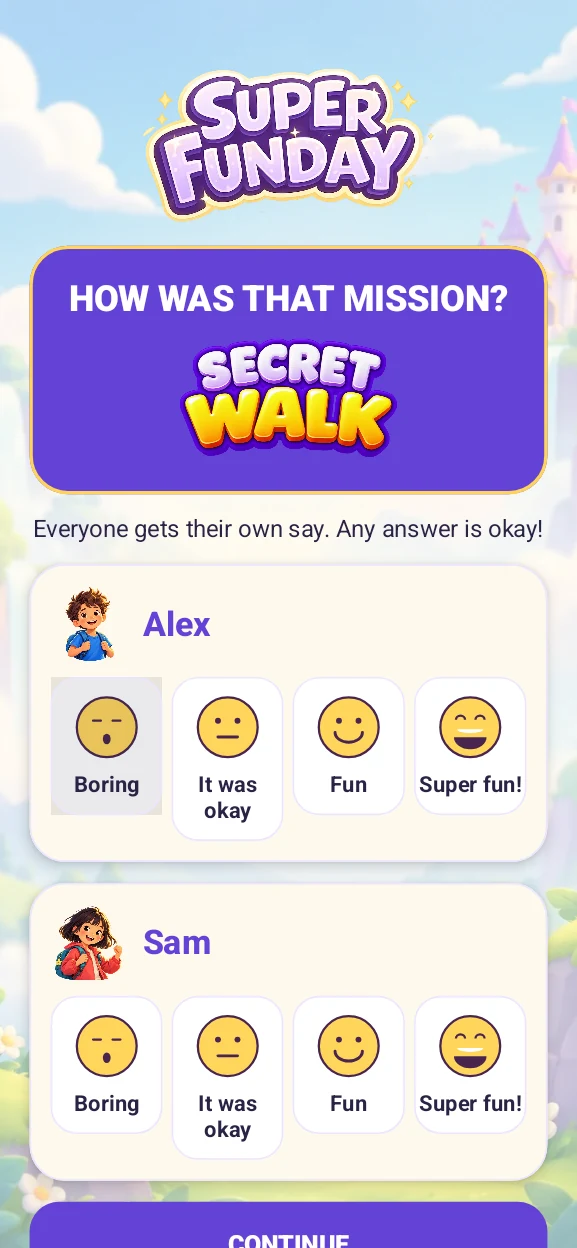
There is no right answer. One child might love a mission while another finds it less exciting—and both reactions matter.
Discover what each child enjoys
Because the spinner chooses the activity, playing lots of creative missions does not necessarily mean a child prefers them. Their own reactions give parents a more useful way to understand what they enjoyed.
In Parent Mode → What they enjoy, choose One child to explore feedback by mission type. Use the date and game-mode filters to look at a particular period or experience, or combine all game modes.
Face-labelled bars show the mix of reactions for creativity, action and movement, imagination, teamwork and other mission types. Each bar represents 100% of the ratings for that category, with a count showing how much feedback sits behind it.
Tap a category to see the exact counts, percentages and recent missions. A plain-language summary helps you interpret the pattern without reducing a child’s interests to a single score.
See different interests side by side
The new Compare interests view places children’s reactions alongside one another, with the same mission categories lined up across their columns. On narrower screens, swipe the child columns sideways while the category names stay in place.
You might notice a shared enthusiasm for movement missions, while one child responds more positively to creative activities and another enjoys imaginative play. Each cell shows the reaction mix and rating count; tap it for the evidence behind the summary.
This helps you spot shared favourites and appreciate different interests. The report compares reactions to activities without ranking the children. Choose Family summary for everyone’s combined feedback, or return to One child for an individual picture.
Familiar adventures, the same simple question
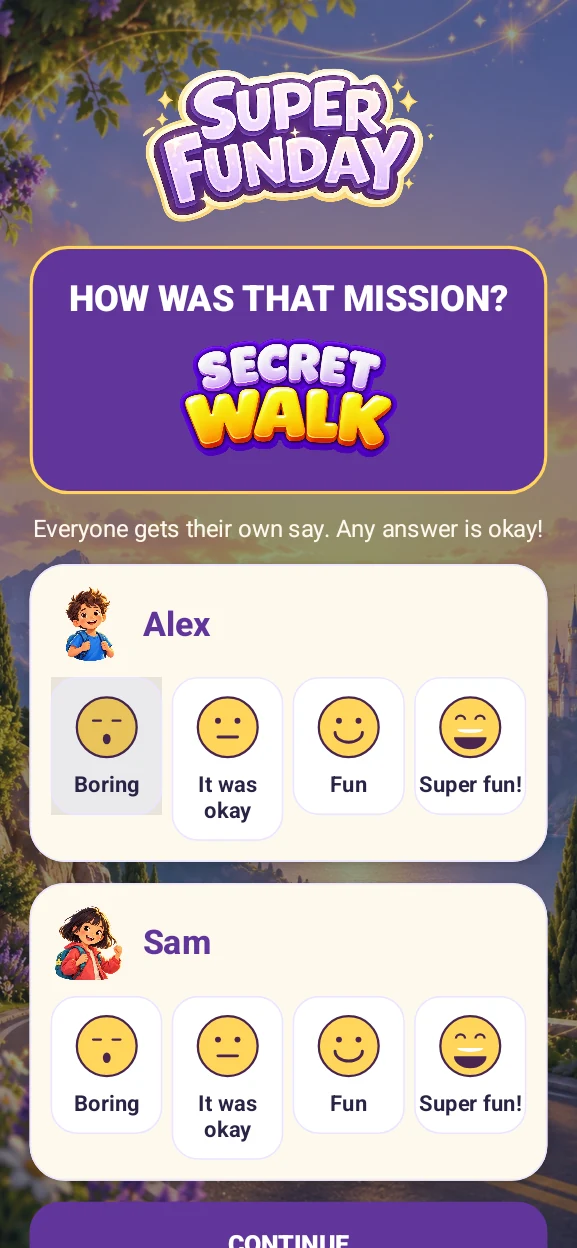
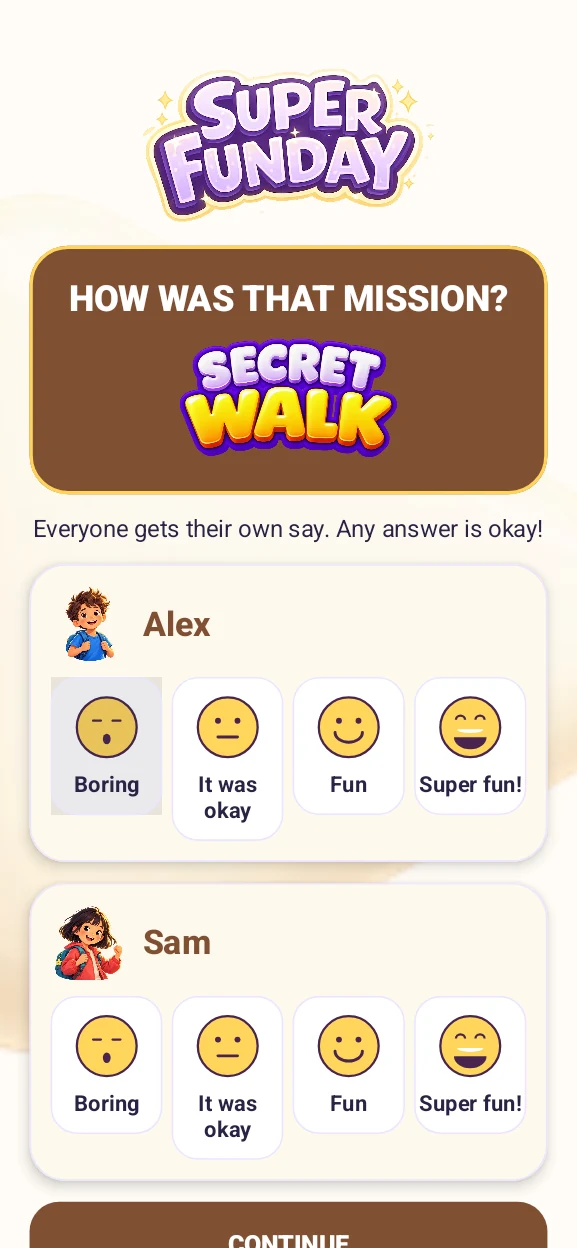
The question follows completed missions across Adventure, Quick Play, Road Trip and Restaurant Rescue, with styling that fits the game mode.
Room for discovery
A few ratings are a starting point. Categories with fewer than five ratings show “Still discovering”, and activities without feedback show “Not rated yet.”
The reports describe reactions to the missions played. They are not an assessment of ability or a fixed label for a child’s personality. A “Boring” rating tells you how that mission felt at that moment; it does not mean the child dislikes an entire category.
Interests can change. Keep exploring different activities, and use the reports as a conversation starter: “You seemed to enjoy making things this week. What was your favourite part?”
All ratings and reports stay privately on your device. The screenshots on this page use sample players and are Android Studio previews of the implemented screen.
Keep spinning. Keep listening.
Every child gets a say, and every little reaction can help you discover another way to enjoy time together.
Follow the beta updates → Explore Parent Mode